Update: If the below method doesn’t work (e.g. because the update of your case to resume is never been sent to the server), there is a hidden URL to use an email form to contact support at https://help.ea.com/en/customer-care/ instead.
This guide is partly using a few hints from a thread of the EA User Forums from 10 years ago “Seriously, How do I contact EA via email?“.
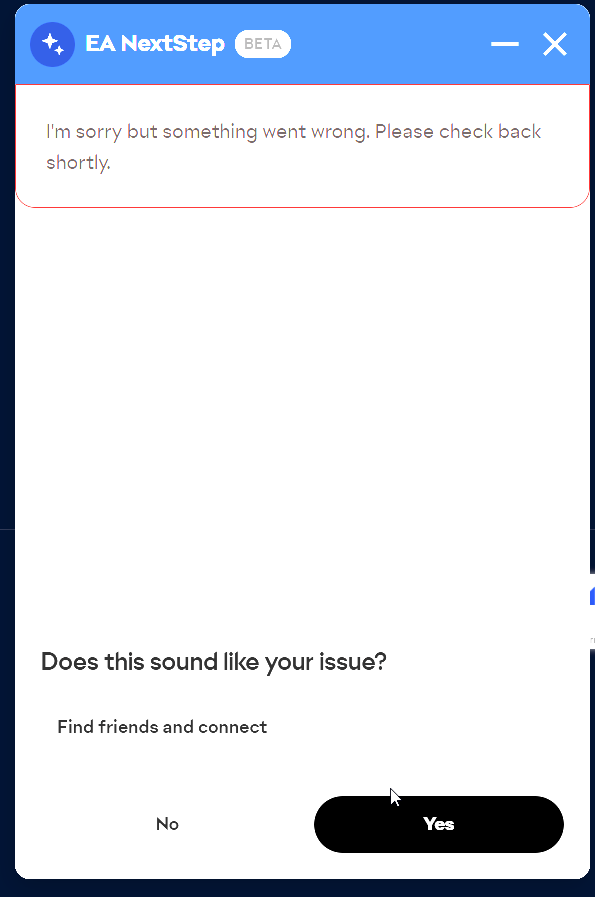
Normally, you are supposed to go through their support FAQ pages, then scroll to the very end of one of them and click on “Contact Us”, which will start a conversation with their “EA Next” chat bot which is broken when I tried, mind you they rely on a beta feature for customers to contact them as the only official way!
So, the email address to contact EA Support is mentioned a few replies down the thread: customerexperience @ ea.com
However, this will be confusing for you at first, as it triggers an auto-reply email stating the following:

However, if you logged into your EA account on the homepage, the “My Cases” overview will provide an overview of your previously closed cases.
A´nd there you will also find your previous case from just a few minutes ago that has been automatically closed as resolved by the system:
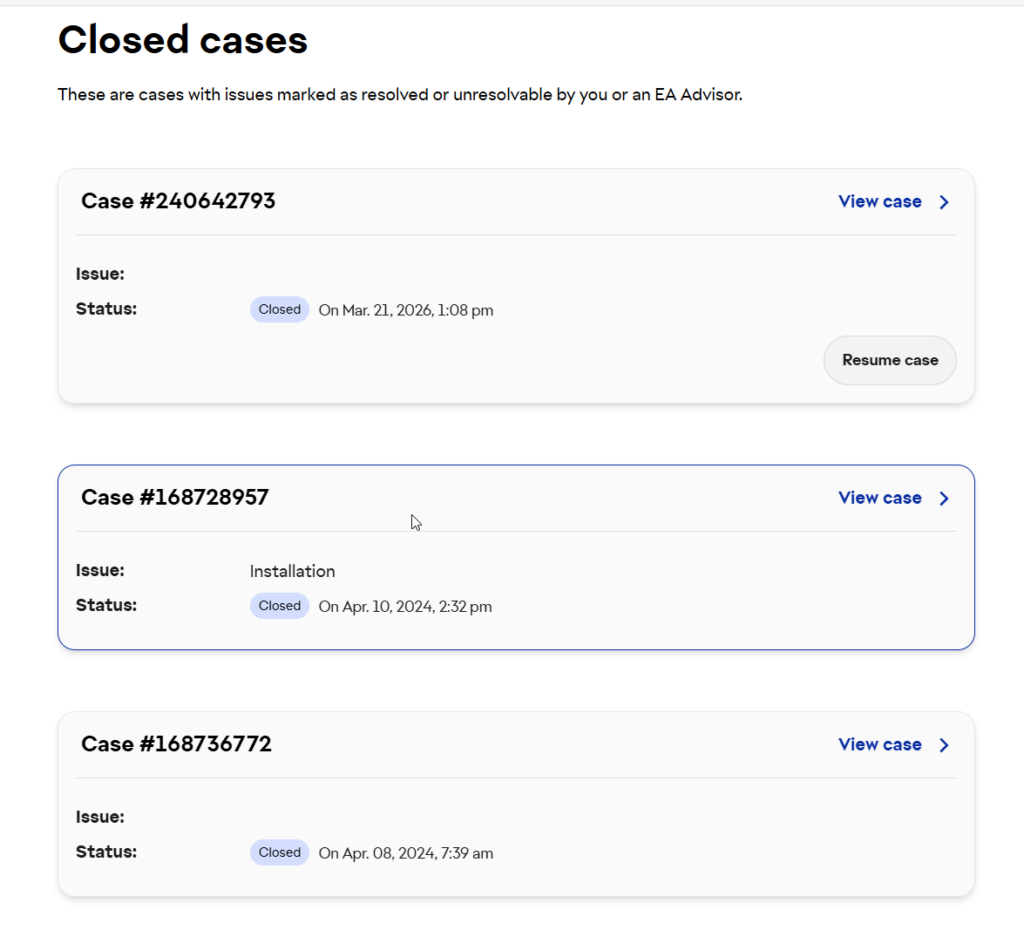
click on “Resume case” which will allow you to write to them your reason for resuming the case! Congrats! Now it is assigned to a support rep and you will get an actual human to reply to you!
Good luck!